Record Smooth and High-Quality Videos with iTop Screen Recorder
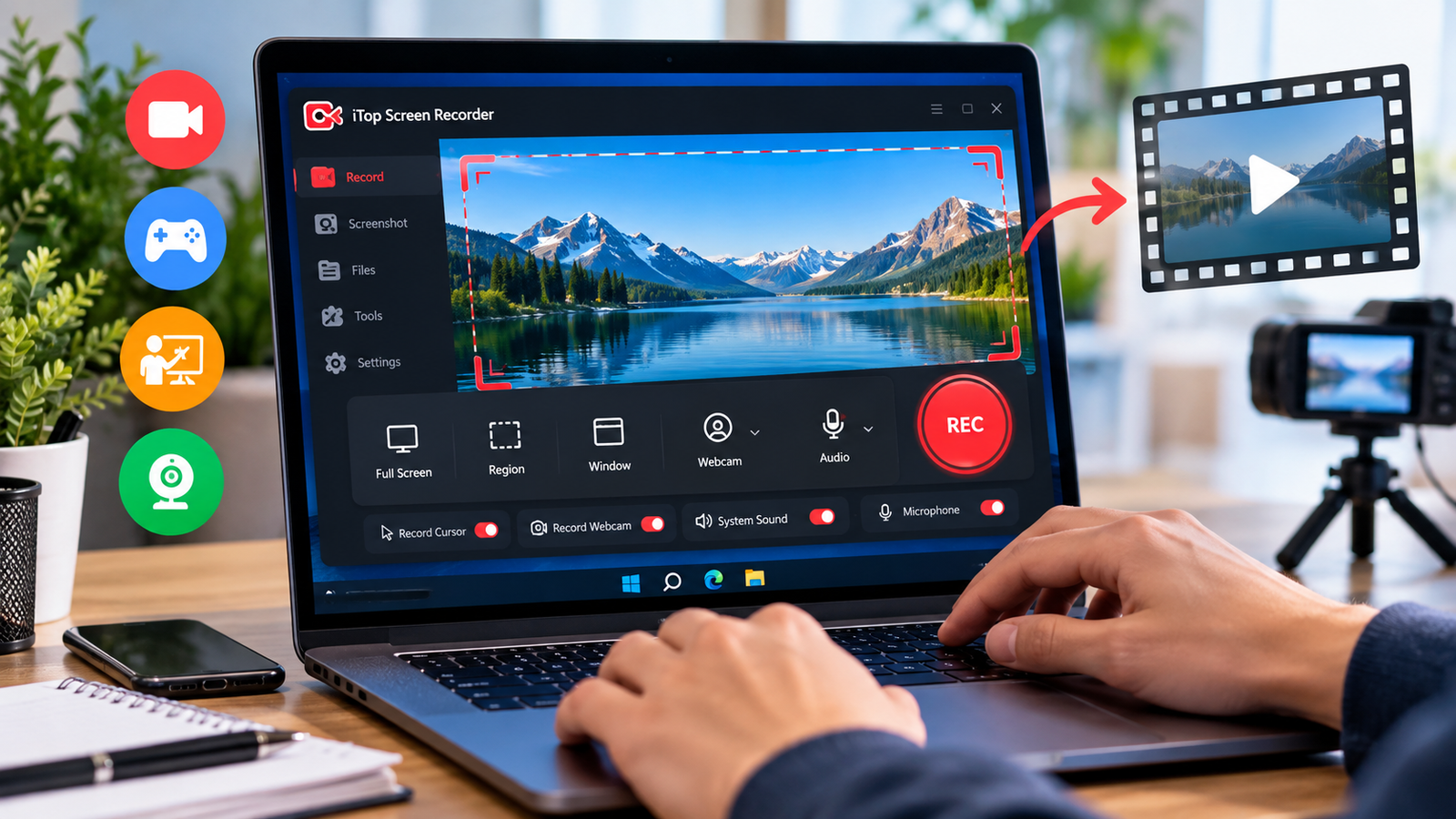
The quality of the video is important when it comes to attracting viewers, since useful information is difficult to understand if the pictures are blurry, the movements are shaky, and the presentation is unclear. Whether one is producing technology tutorials, creating educational material, or giving an online demonstration, a dependable screen recording tool can help out. iTop Screen Recorder lets users record their screen activity and record the screen to meet various content needs.
Why Smooth Screen Recording Matters
A well-made recording allows the viewer to follow the actions without having to pay attention to any unnecessary distractions, especially when demonstrating software, moving through complicated websites, or explaining a process that involves a lot of window switching.
People should select a suitable quality for the recording in view of their computer’s capabilities. By carefully choosing a resolution and a frame rate, it is possible to balance clarity with system performance and thus offer a more enjoyable viewing experience.
Choose the Right Recording Area
It is not necessary for all the videos to show the entire desktop since in certain instances the information that the viewer needs may be found in a specific application window or in part of the screen.
The recording area that you select will depend on the recording mode available from iTop Screen Recorder, and keeping the capture area clean and well organised will help you to spot the important information in the capture and will remove the clutter caused by other windows or desktop alerts.
Create Clear Software Demonstrations
It is important when giving a software demonstration that the text is readable, the interface can be seen, and navigation is consistent. A screen recorder can be used to record the series of actions and thus allow the audience to learn how a feature works.
If needed, users can enlarge the interfaces by scaling them, minimise any applications they do not want, and arrange the windows neatly prior to recording; these are simple tips for producing clearer videos, in particular when demonstrating settings, menus, dashboards or digital tools.
Balance Quality with Computer Performance
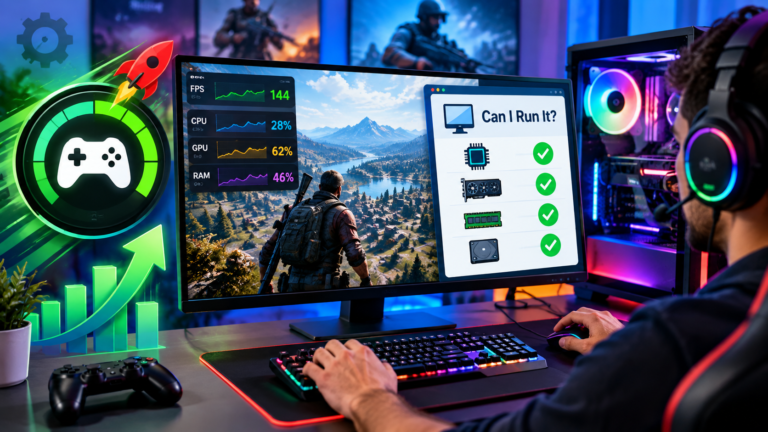
The greater the setting used on the recording device, the more processing power and storage space it will require. In such a case, if the computer is finding it difficult to capture the video, the recording may be interrupted, or the motion will appear uneven.
Users may improve their recording experience by closing any background programs they do not need and by checking their preferred settings before starting a long recording; selecting the right resolution and frame rate for the hardware will help to guarantee a realistic QOS ratio.
Make Videos Easier to Watch
It’s not just the technical settings that contribute to a good screen recording; the way the information is displayed on the screen also has an effect on the result.
People have to deliberately move their cursor, not rapidly switch between windows, and they need to keep the important information on screen long enough for the viewers to understand it. When narration is included, the explanations should correspond with the actions being demonstrated. This is exactly why such recordings can be made more organized and easier to follow.
Prepare Recordings for Different Platforms
The type of video as well as the resolution or dimensions needed may vary depending on the platform and the audience, and a desktop tutorial will need to be presented in a way that is different from that used for mobile viewing.
When a screen has been captured, it can be viewed and edited in the appropriate way by means of the editing tools available. It is possible to check the final file before it is published to spot any problems relating to readability, timing, the audio, and any unnecessary areas.
Conclusion
iTop screen recorder is a useful solution for recording digital activities and producing video recordings for the purposes of learning, demonstration, and online communication. If you choose the correct recording settings, arrange both the computer screen and the computer before you begin the recording, and select the proper camera and microphone, you will be able to make the recording clearer and smoother. Together with a careful presentation, this can result in screen videos that effectively communicate information and are more enjoyable to watch.