Game Booster and Can I Run It: The Smart Way to Improve PC Gaming Performance
PC gaming is more pleasant when the games run smoothly and don’t lag, freeze, or otherwise have performance issues. However, not every computer can run today’s games efficiently, since some require a high-end graphics card, sufficient RAM, and a fast processor to enjoy them. For players, this is where Game Booster and Can I Run It come in useful: Game Booster is used for optimizing the system, and Can I Run It helps users to work out whether their computer has the necessary hardware for a game. These tools can help gamers make informed decisions and enjoy a first-rate gaming experience.
Understanding Game Booster for PC Gaming
Game Booster is a Performance Optimizer that will help with the optimization of the allocation of computer resources when playing games; it is able to minimize unnecessary background activity, free up memory, and give priority to game-related processes.
When more than one application is running at the same time, they will use up some of the system’s valuable resources. Game Booster is used to manage these activities, making more processing power and memory available for games. The optimization may improve response time and reduce interruptions, although this depends on the computer’s hardware and software setup.
Why Game Booster Matters for Low-End PCs
People using older machines might find that they have difficulty running some of the more demanding games. When Game Booster is installed, it is possible to decrease the waste of resources and make the resources already available work more efficiently.
Even though optimization software cannot exceed the performance of the best graphics card or processor, it can assist with the management of resources. This is particularly useful for gamers who wish to optimize their current systems without having to upgrade their hardware.
What Is Can I Run It and How Does It Work?
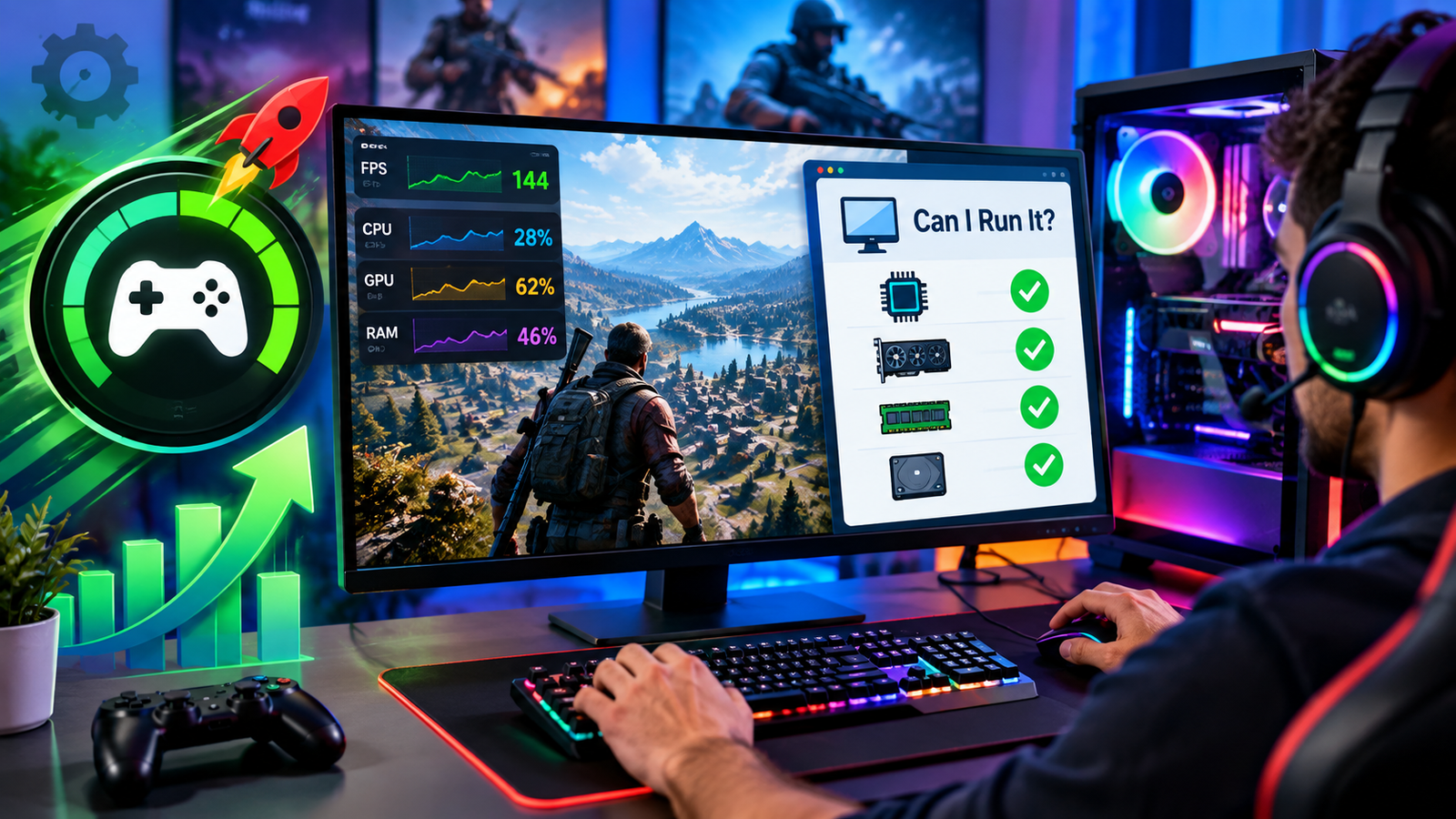
Can I Run It is a system compatibility checking service that allows gamers to find out whether certain PC games are compatible with their system.
People can check their hardware specifications against the minimum and recommended requirements for a game, rather than having to download the whole game in order to discover that it won’t run properly.
The compatibility check usually includes processor speed, graphics processing power, the amount of RAM, operating system support, and the available storage space.
Minimum vs. Recommended System Requirements
It is necessary to understand the difference between the minimum and recommended standards.
The minimum requirements refer to the level of hardware that is generally needed in order to open and run a game at its minimum level, while the recommended requirements pertain to hardware that will deliver a smoother experience and might include more advanced graphics options.
The purpose of Can I Run It is to make sure that gamers understand these differences before they buy and install the games.
Combining Game Booster and Can I Run It for Better Results
The practical way of playing a game begins with using Can I Run It to check that the hardware is compatible; once it has been established that the computer meets the requirements, users can then optimise the resources available on their computers using Game Booster.
In this way, users will be able to avoid having to download unnecessary files and will be in a better position to assess their performance accurately.
Improve Gaming Efficiency Without Unnecessary Upgrades
Using both tools together can help players decide whether the problem behind their poor performance is due to hardware or software.
Game Booster can assist in reducing background resource usage in order to alleviate slowdowns in a computer that satisfies the recommended requirements; however, the computer might still need hardware upgrades if it does not meet the minimum requirements.
Conclusion
Game Booster and Can I run it are two distinct yet complementary applications for PC gaming; the Can I Run It feature can help gamers check compatibility, while Game Booster will optimize the way resources are used when playing. This feature will help gamers make informed decisions about installing programmes, reduce unnecessary performance issues, and improve their overall gaming experience on their PCs.